
Acode

Follow these steps to start tracking your coding time in Acode with Hackatime.
Step 1: Log into Hackatime
Make sure you have a Hackatime account and are logged in.
Step 2: Install the Wakatime extension
Open the plugin store by pressing Explore Plugins in the welcome menu or under Settings -> Plugins -> All.
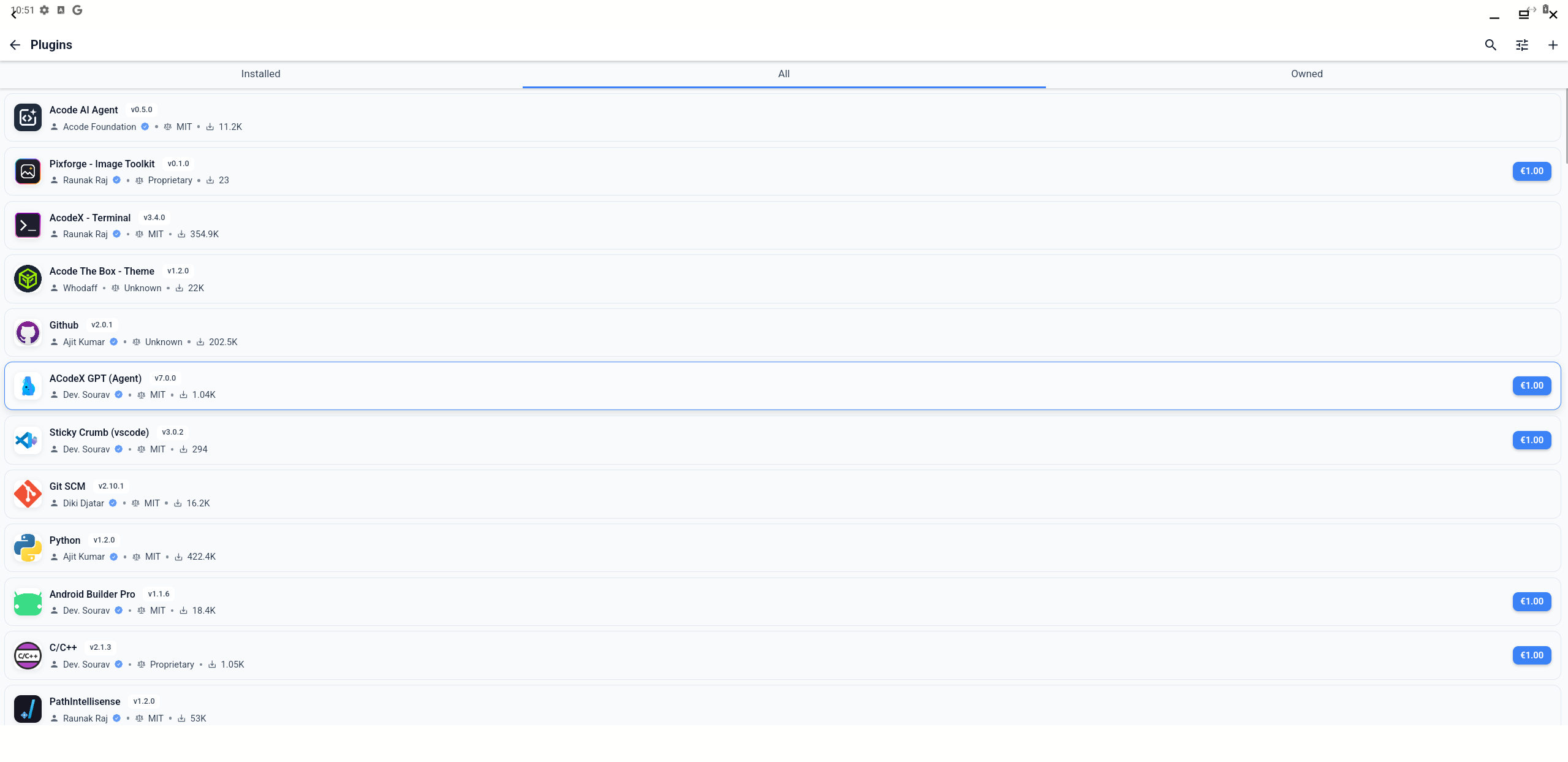
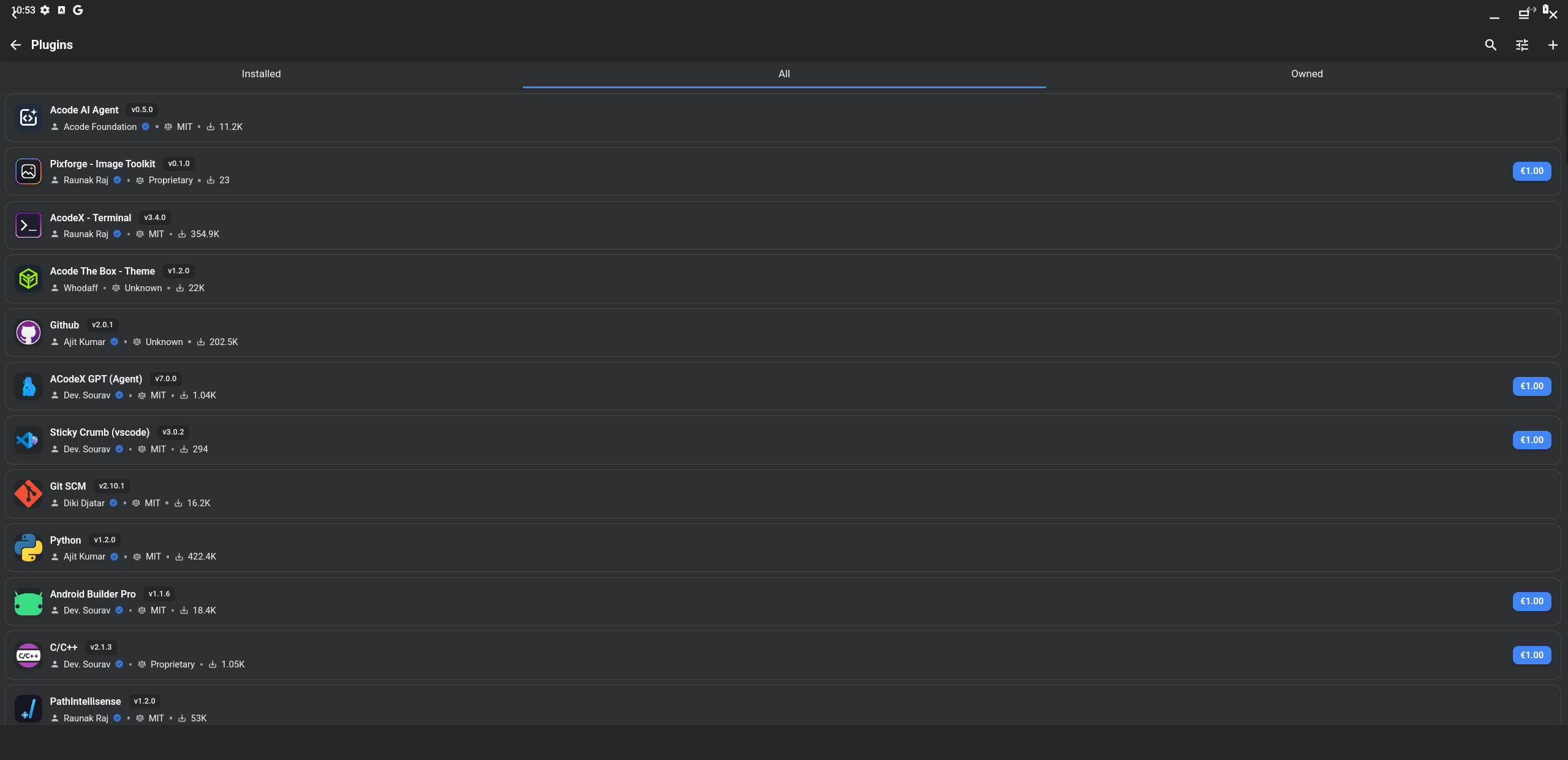
Search for Wakatime and install the extension by Overskul.
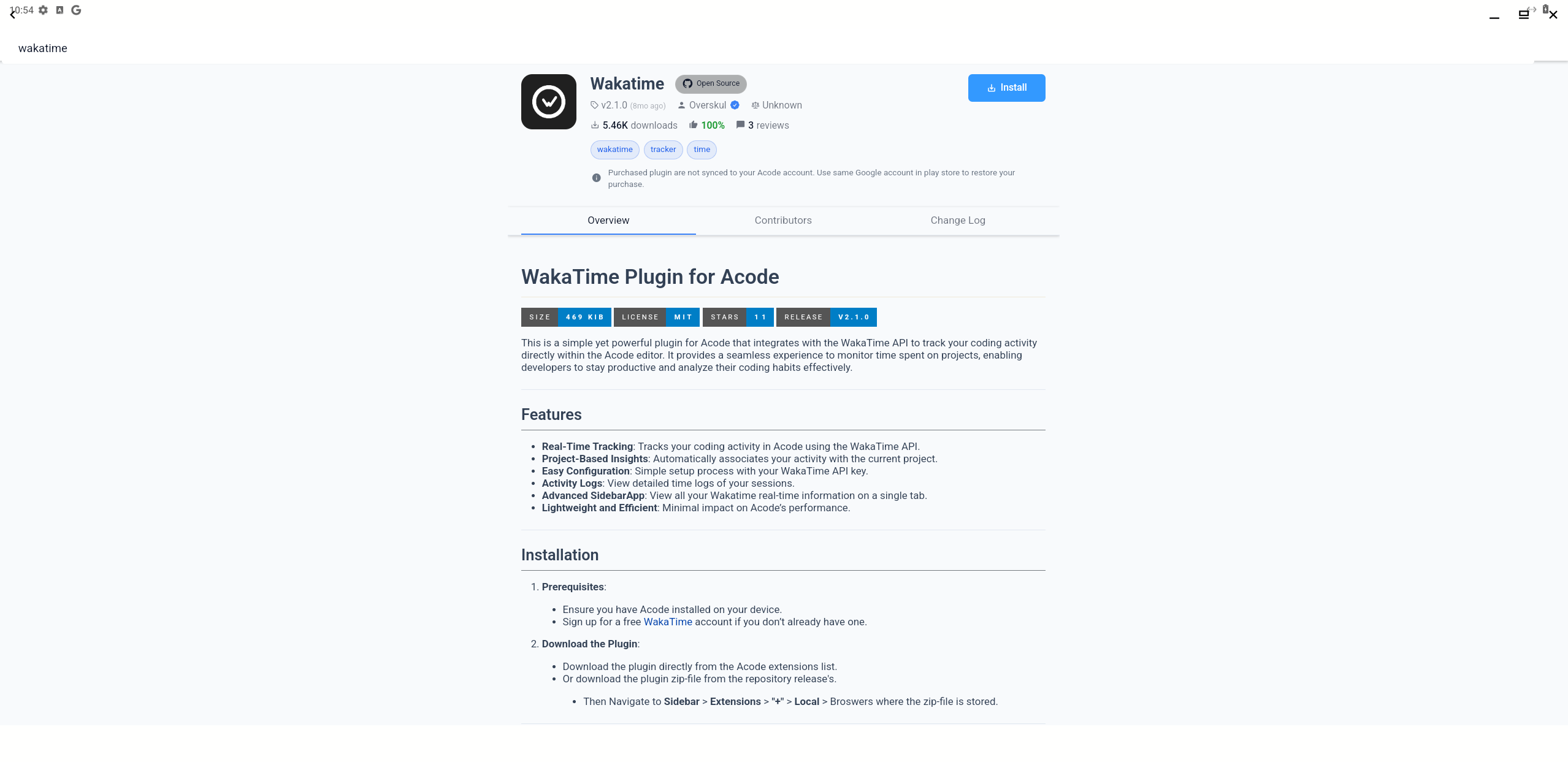
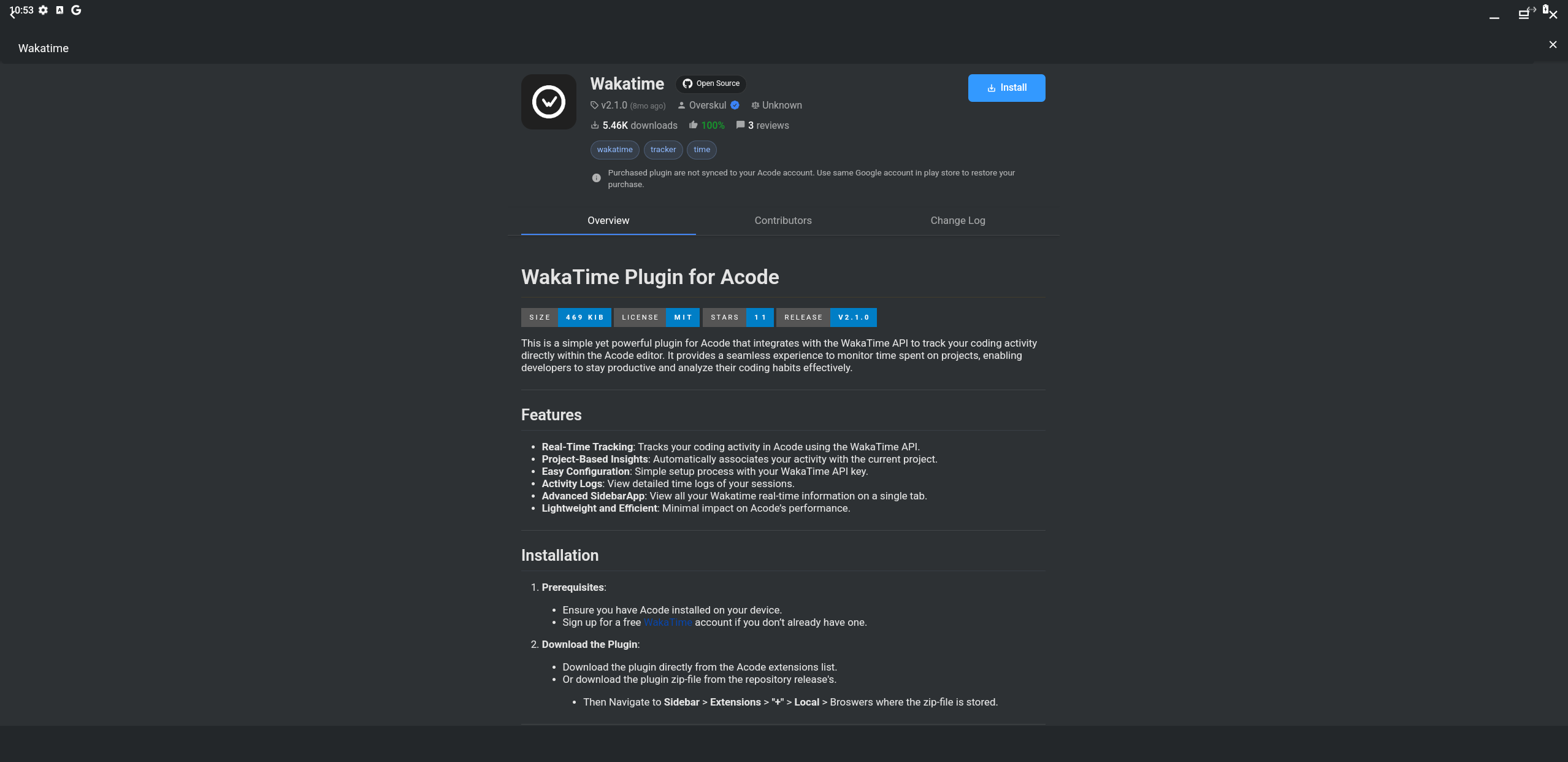
Step 3: Configure the extension
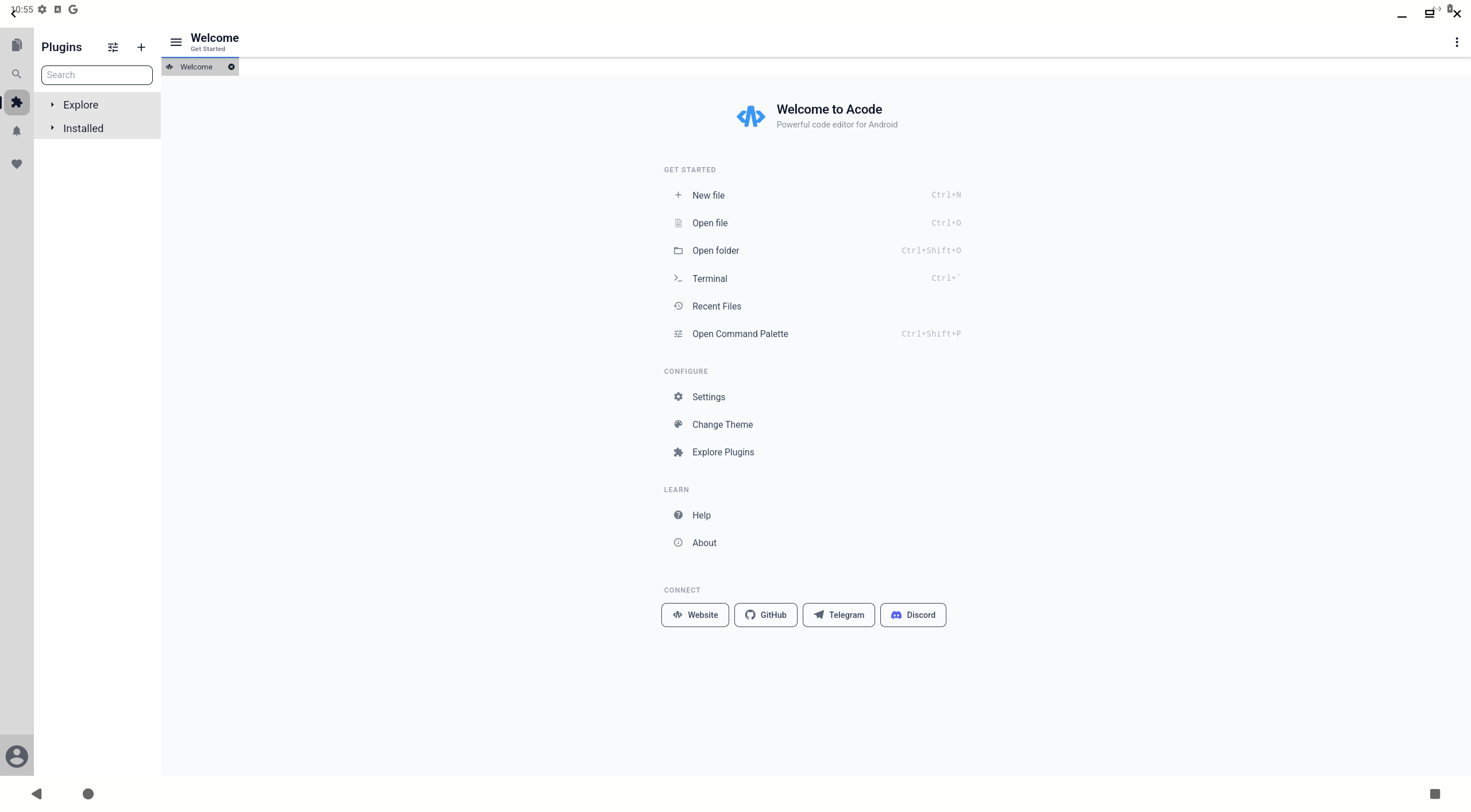
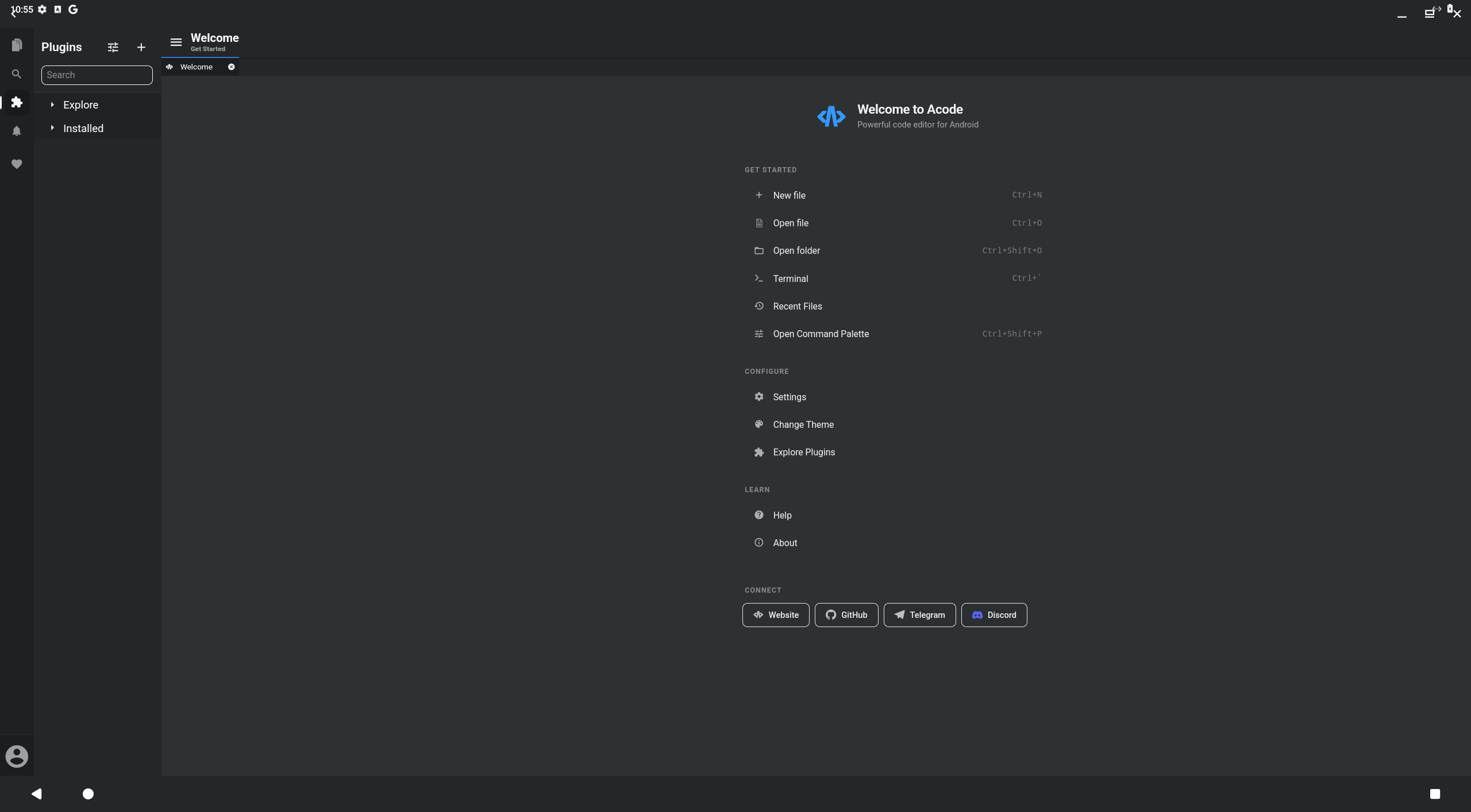
Exit out of the plugin store and open the left sidebar by pressing on the Hamburger menu icon. Then click on the Jigsaw piece icon to open the plugin menu.
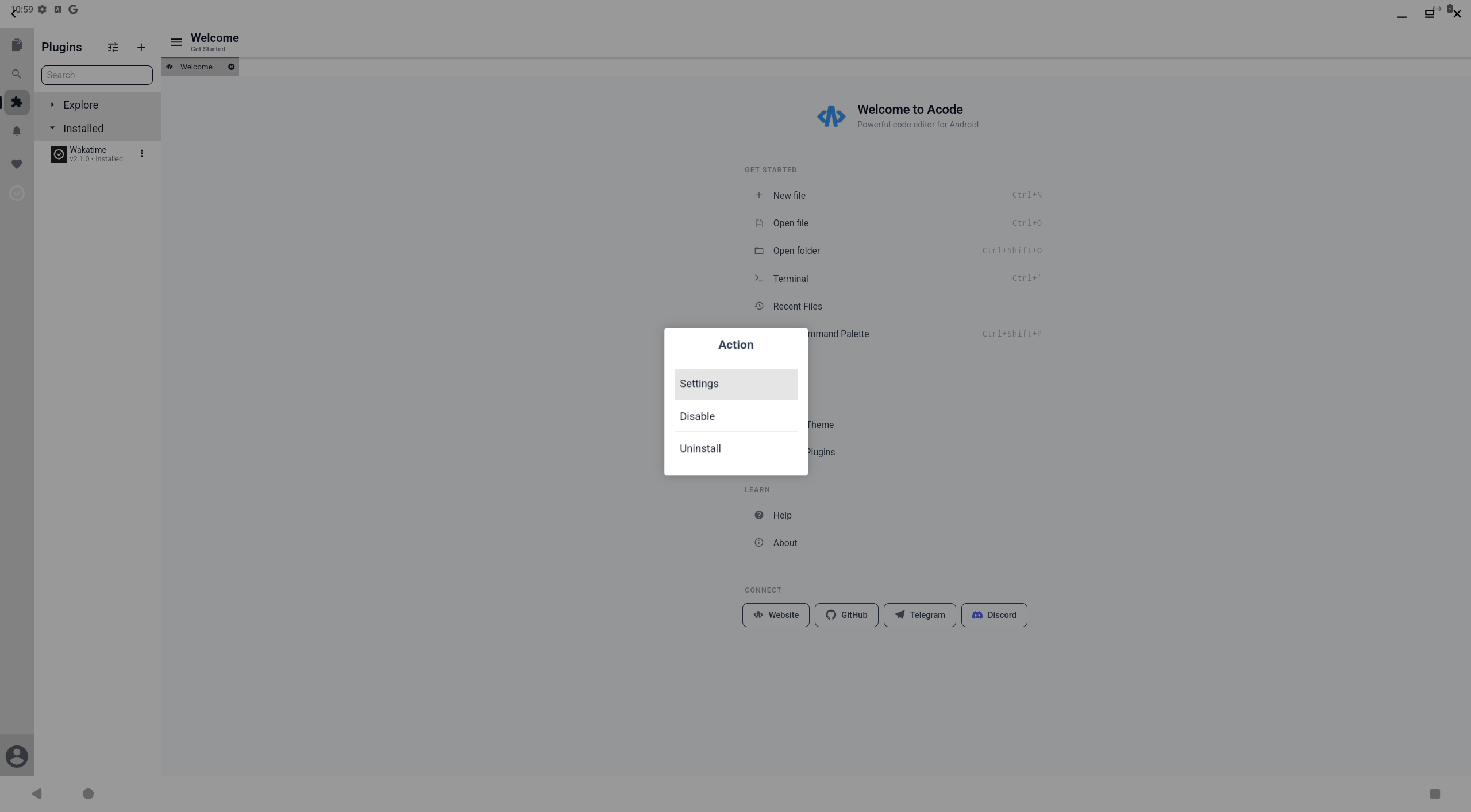
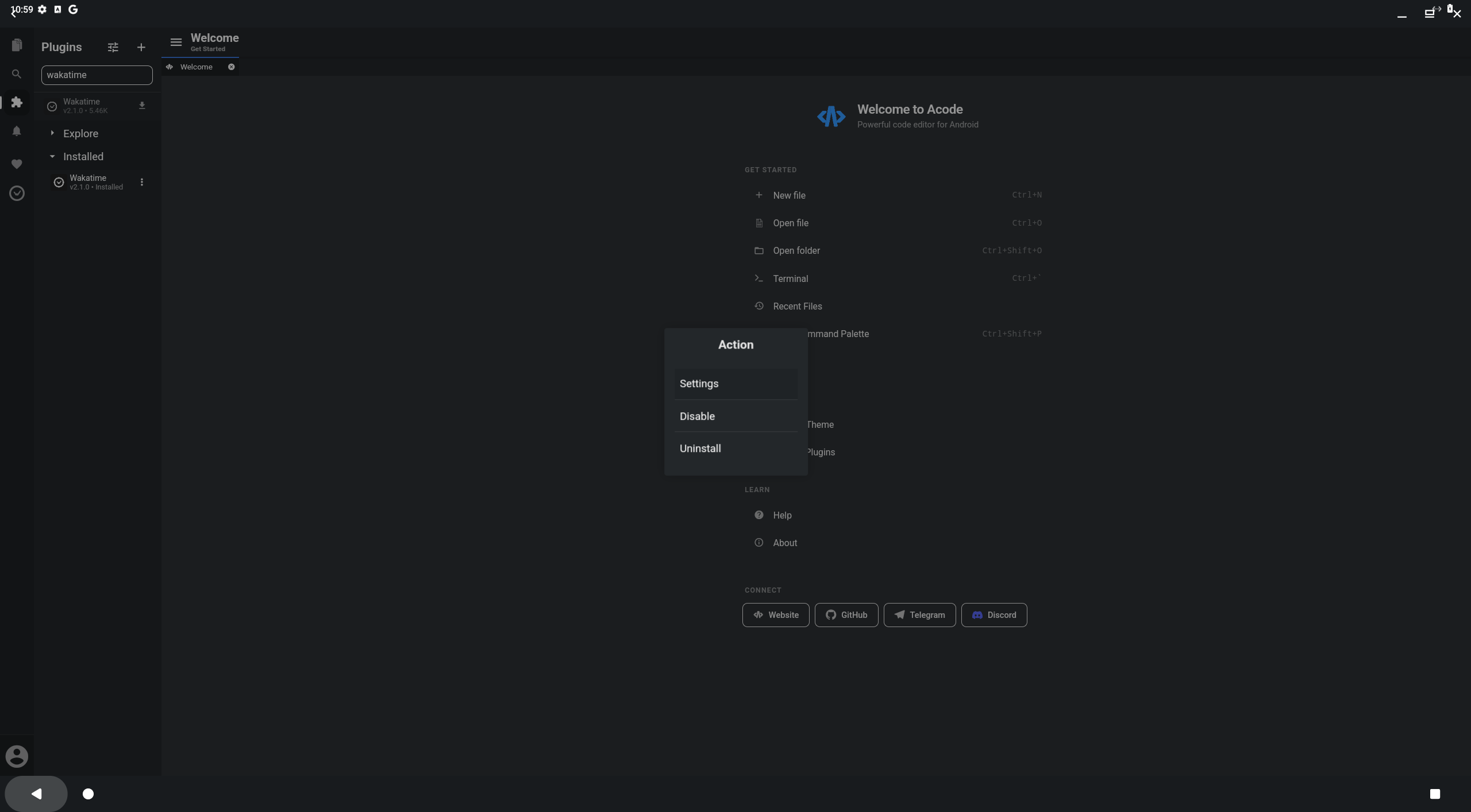
Expand the installed tab and press on the three-dots of the Wakatime extension. Select Settings in the pop-up menu.
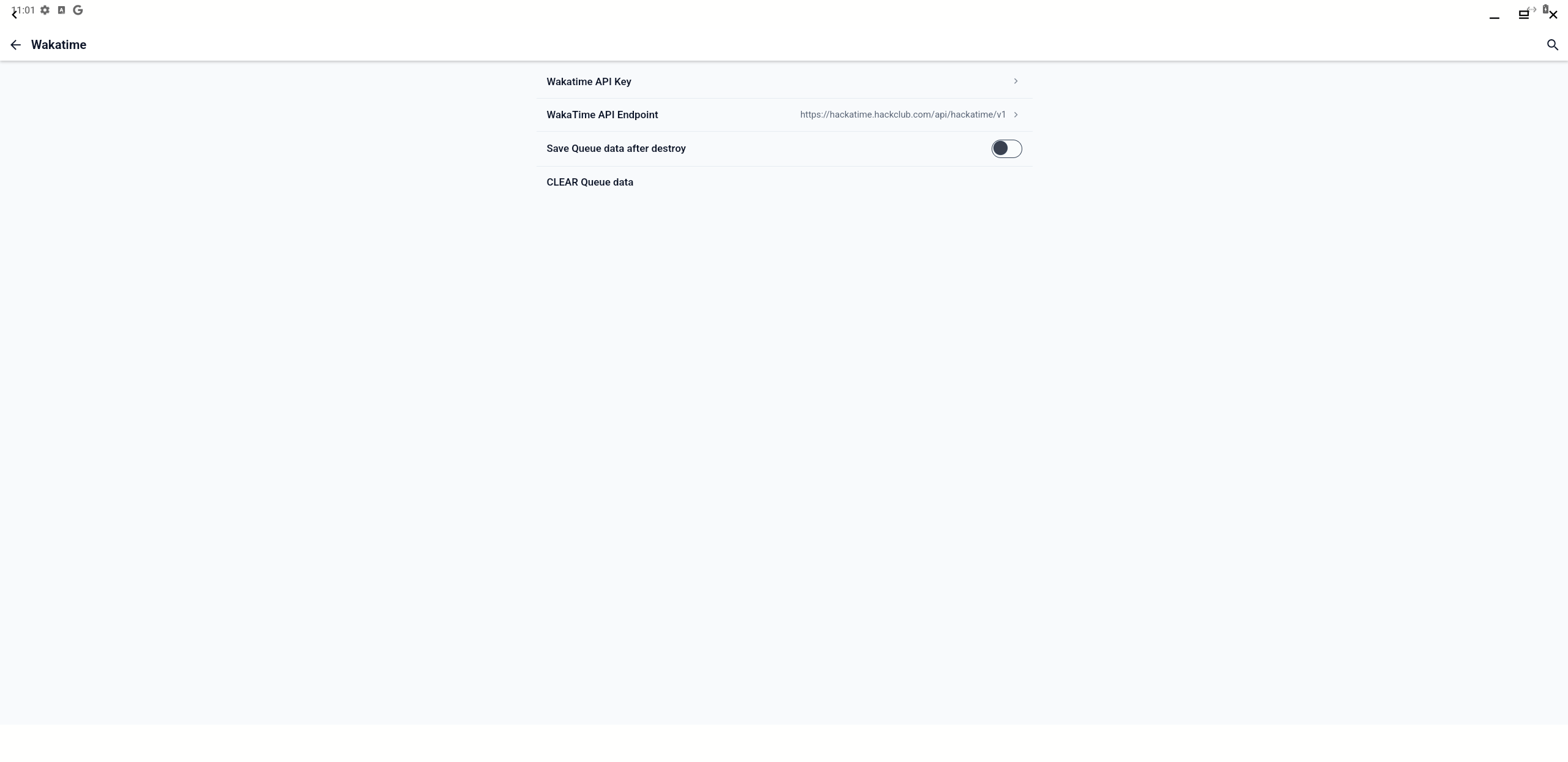
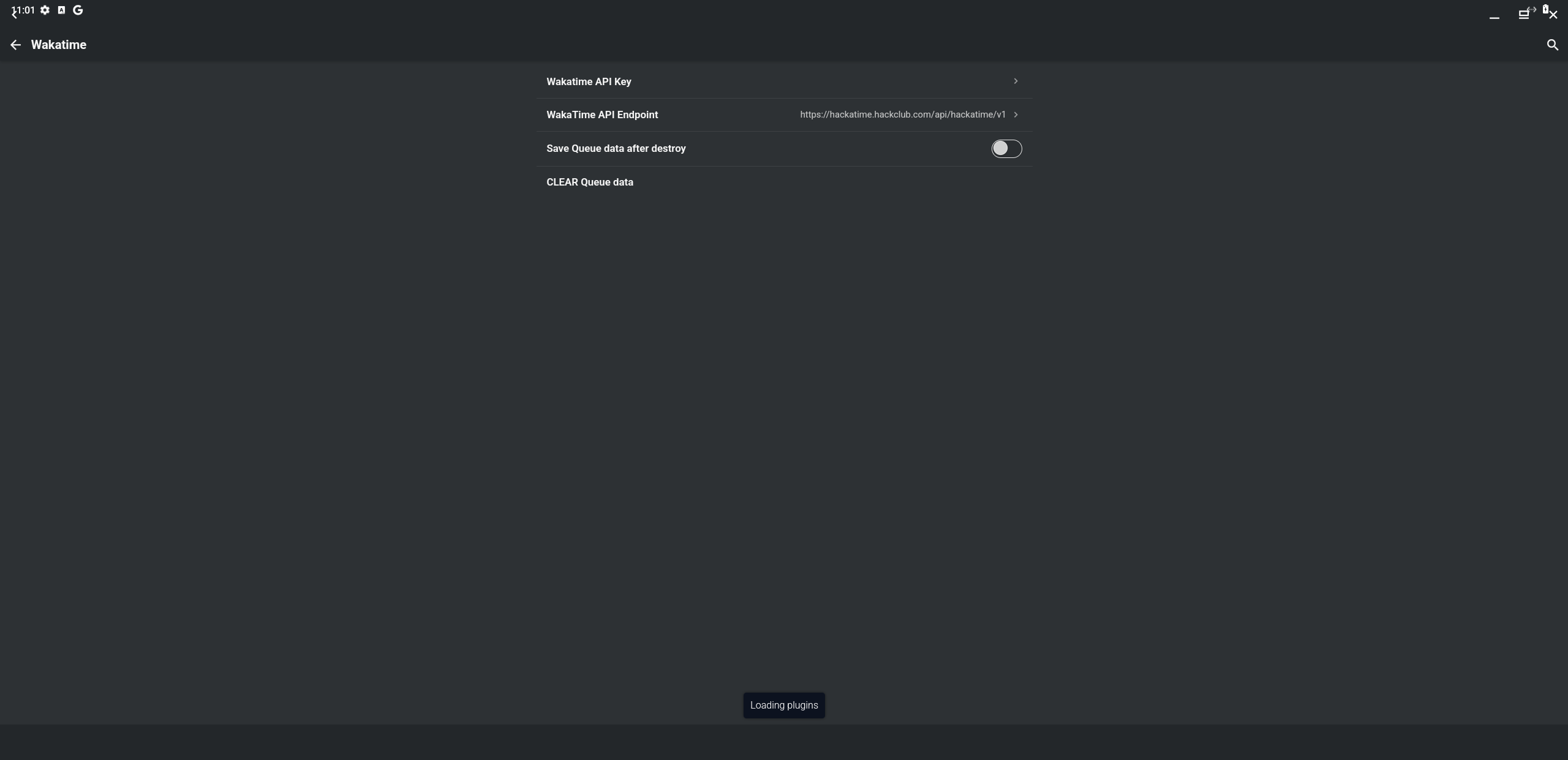
Under Wakatime API Key enter your API key, which you can get from the API Key page.
Under WakaTime API Endpoint enter the hackatime API URL https://hackatime.hackclub.com/api/hackatime/v1.
Step 4: Open a project
You can open a folder either from the welcome menu or from the file menu in the left sidebar. Make sure your files are saved into that folder, otherwise they will not be tracked.
What gets tracked
Acode sends a heartbeat when you edit a file. Your project name, branch, language, current line number and total lines are sent with each heartbeat.
Troubleshooting
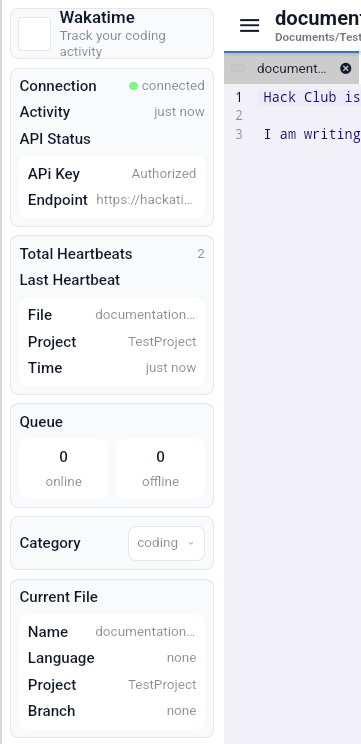
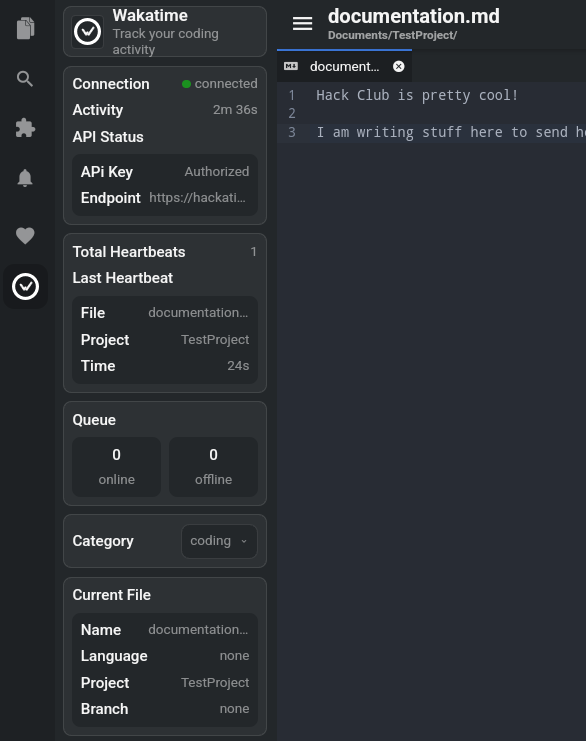
The extension has an information panel, which can be opened from the left sidebar and provides useful information, like the data related to the last heartbeat including time since and project name.
- Last heartbeats project says
noneor?Make sure you’ve opened a folder and the file you’re editing is saved in that folder. - Plugin not working? Try restarting Acode after installation.
- Still stuck? Ask for help in Hack Club Slack (#hackatime-help channel).
Next steps
Once configured, your coding time will automatically appear on your Hackatime dashboard. Happy coding!